
Everything myna does
Most of this exists in some other app. The argument for one app is that a household is one system, and the message bus in the middle of it is currently you.
She says it out loud. Even on a locked iPhone.
Every other family app sends a grey rectangle in the same typeface as your bank, and somebody has to look at it. Press play instead.
Aunty, in the persona this household picked, reading the afternoon to everybody at once. Nobody unlocked anything.

On Android that runs through a native media service, at full length. On iPhone it is a stranger trick. A silent push, the kind with no banner and nothing to tap, arrives and quietly wakes the app in the background, which plays her announcement through the phone’s audio session. Nobody opened anything. The kitchen just starts talking.
iOS is allowed to refuse that wake and never says it did, so there is a second layer underneath: a few seconds of her voice, transcoded into the one audio format Apple accepts for a notification sound, set to fire only if the silent wake does not land. Worst case, a little Aunty instead of a beep.
It is the part of this product we are most confident nobody else has built, because it is tedious rather than clever.
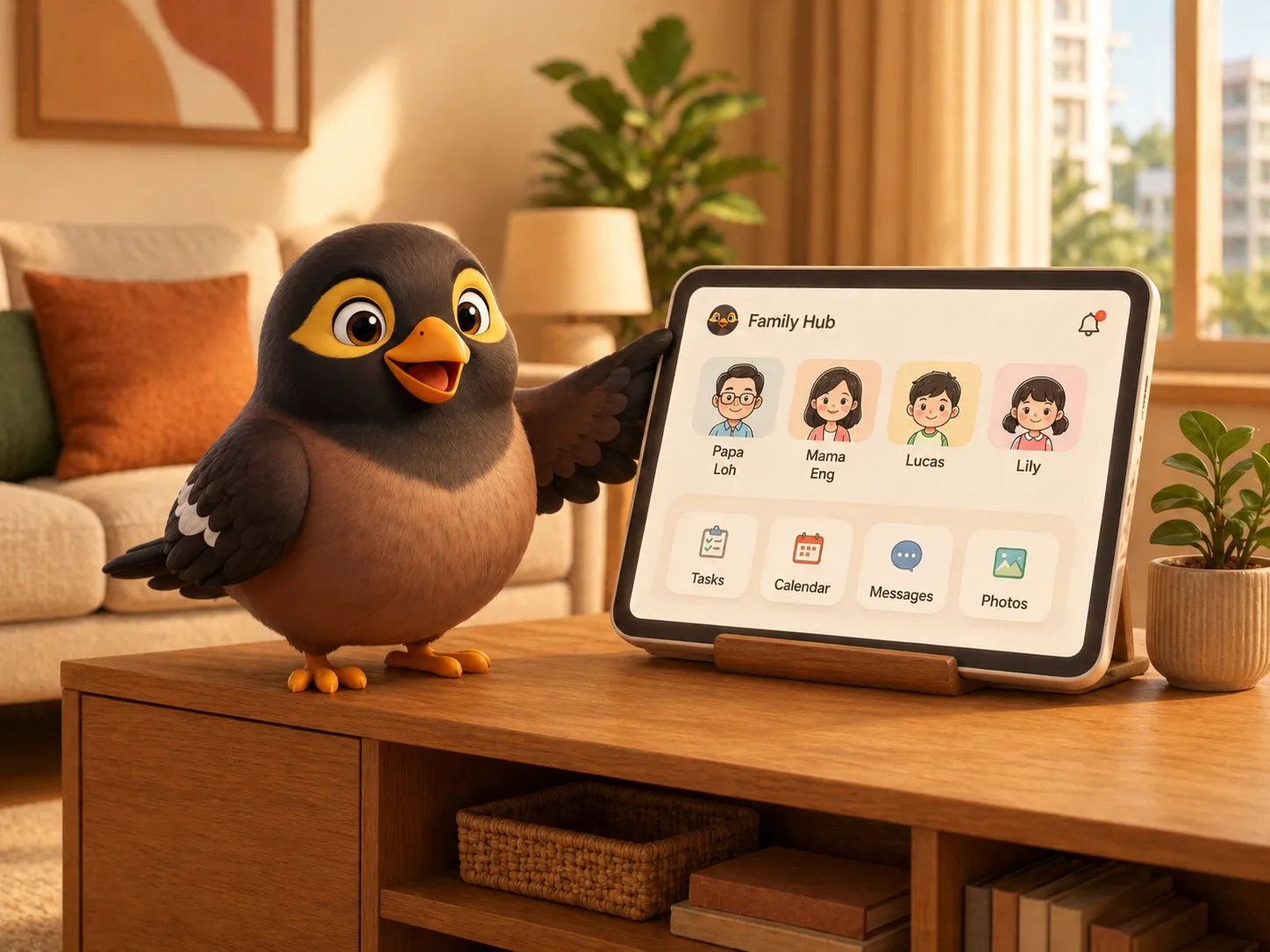
Everyone in one place, and she reads it out
Calls, chat and voice notes between the people who actually live here, plus an intercom for the ones who are upstairs and not answering.
- Family calls and Drop In. Voice, video, or the intercom, one tap, no usernames to remember.
- Chat you can find things in. Threads per person and per household, with voice notes.
- Announcements. One message that lands, and is spoken, on every device at once.
- Written later, sent later. Schedule the message now for the moment it actually matters.
- Everyone reads their own language. Indonesian, Tagalog and Burmese for helpers, Mandarin for Ah Ma.
The chasing, done by somebody else
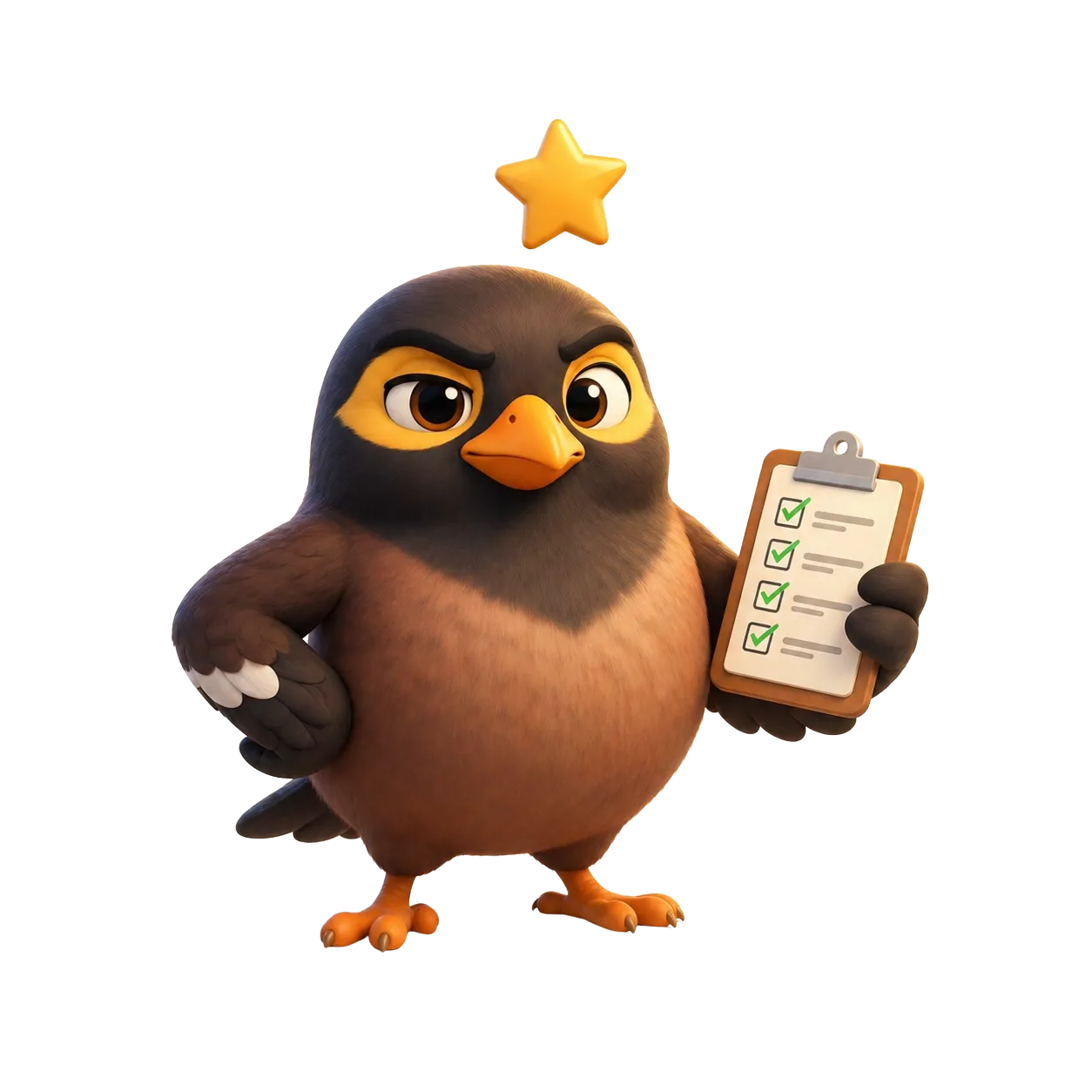
Most family apps give you a shared list. The list was never the problem. The problem is being the person who has to keep mentioning it.
- Tasks with a name on them. Assigned to a person, ticked off by them, not by you asking twice.
- The nagging. Aunty chases it, on a schedule or the moment you remember.
- Routines that run themselves. Bedtime, Sunday bags, Wednesday swimming. Set once.
- The family calendar. On every phone and on the hub, school timetable included.
- Shopping lists. Shared, live, and addable out loud while your hands are full.
- Who is home. A quiet arrival ping for the adults. A glance, not a feed.
A full set of controls, run by saying so
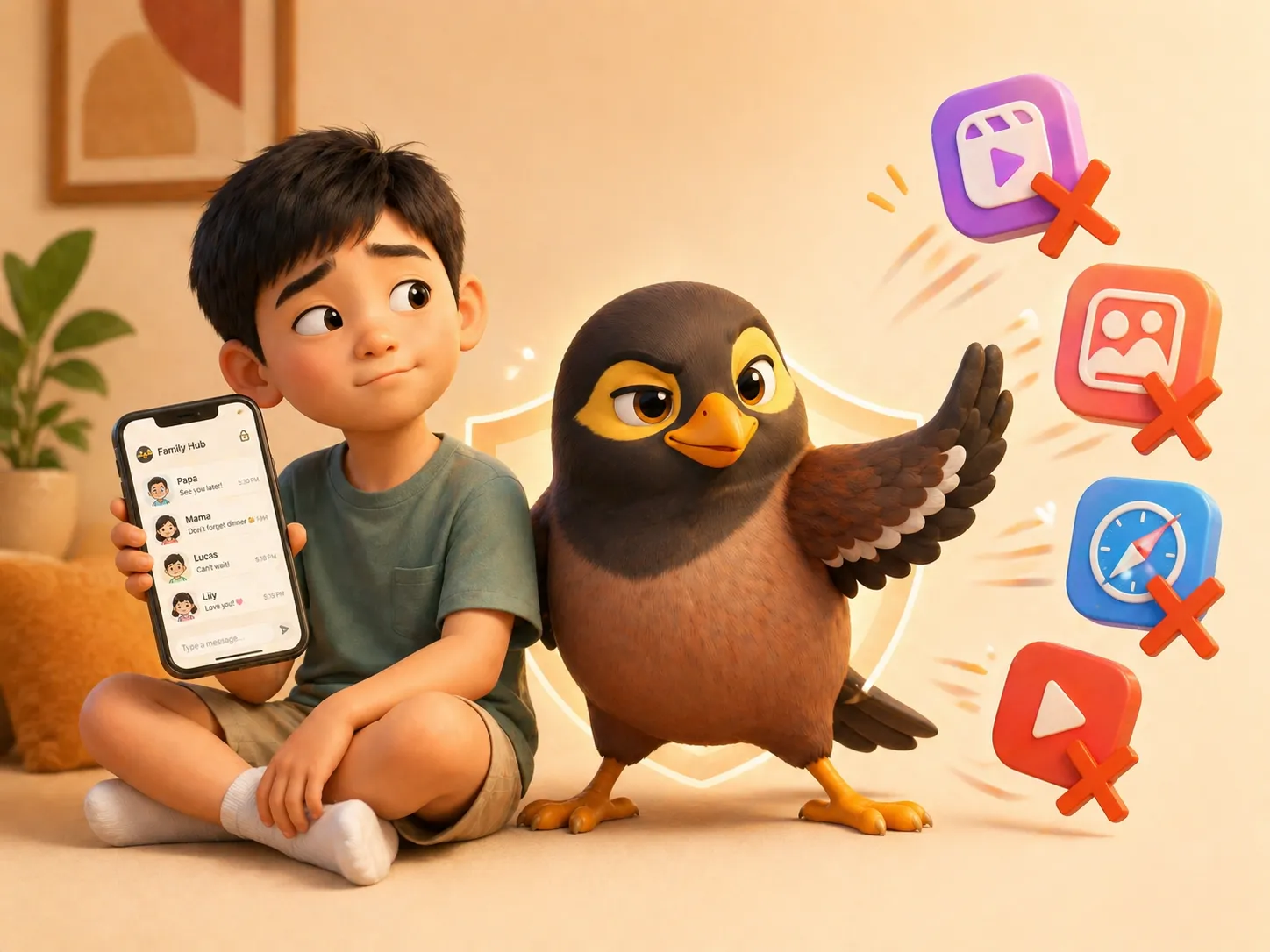
Everything Kidslox and Qustodio do to a child’s phone, without hunting through a dashboard for the toggle.
- Allow or block any app. “Block TikTok on Laura’s phone.” It reaches the handset in seconds.
- Daily limits, per app. “Give her thirty minutes of YouTube a day.” Not one blanket number.
- Bedtime and school hours. Inside those windows the phone drops to essentials only.
- Lock it now. And timed free-time breaks that re-lock themselves when the minutes run out.
- Ask a parent. She requests, you approve a window, the app appears and then goes again.
- Honest status. Locked or out, minutes left, and which parent let them out.
She remembers so nobody has to
The part nobody advertises, and the part families end up leaning on hardest.
- Tell her once. Allergies, shoe sizes, the wifi password. She tells whoever asks next.
- Photograph the paperwork. Passport, insurance, a school letter. Read, filed, and raised before it expires.
- Your household gets an address. Forward e-tickets and school notices. They come back filed and summarised.
- Things that run out. Warranties, road tax, renewals. Surfaced before the date, not after.
- Even the locked PDFs. The password-protected ones from the bank and the clinic open too.

And if there is a helper, she is in the household
Not a phone number in your contacts. A member of the house who happens to read a different language.
- Her own language, both ways. You write English, she reads Bahasa. She replies, you read English.
- Voice notes translated too. Because most of what gets said in a house is said out loud.
- Her own access. She sees the day and the tasks. Not the family’s private threads.
- In Aunty’s voice. Warm and familiar, rather than machine translation from a bureaucrat.

What it does not do
Here so you can rule us out quickly, which is a service.
- It needs a network. A family hub that cannot reach the family is a clock.
- It does not read your child’s messages. No scanning, no AI alerts, no timeline of everything she looked at. If that is what you want, we are the wrong tool.
- The iPhone controls are Apple’s. Nobody may replace an iPhone home screen, so on iOS we work through Apple’s Family Controls. Genuinely less than the Android version, which replaces the launcher outright.
- It is new. Out on both stores since September 2026, free to start, and rough in places. No reviews or install counts worth quoting yet, because there are none.
Pick the Aunty who sounds like your own, and let her do the reminding.