

Family organiser apps: why the good ones still don't work in most houses
Cozi has nearly 400,000 App Store ratings. The category is not short of good software. It is short of a second user — and that is a different problem with a different fix.
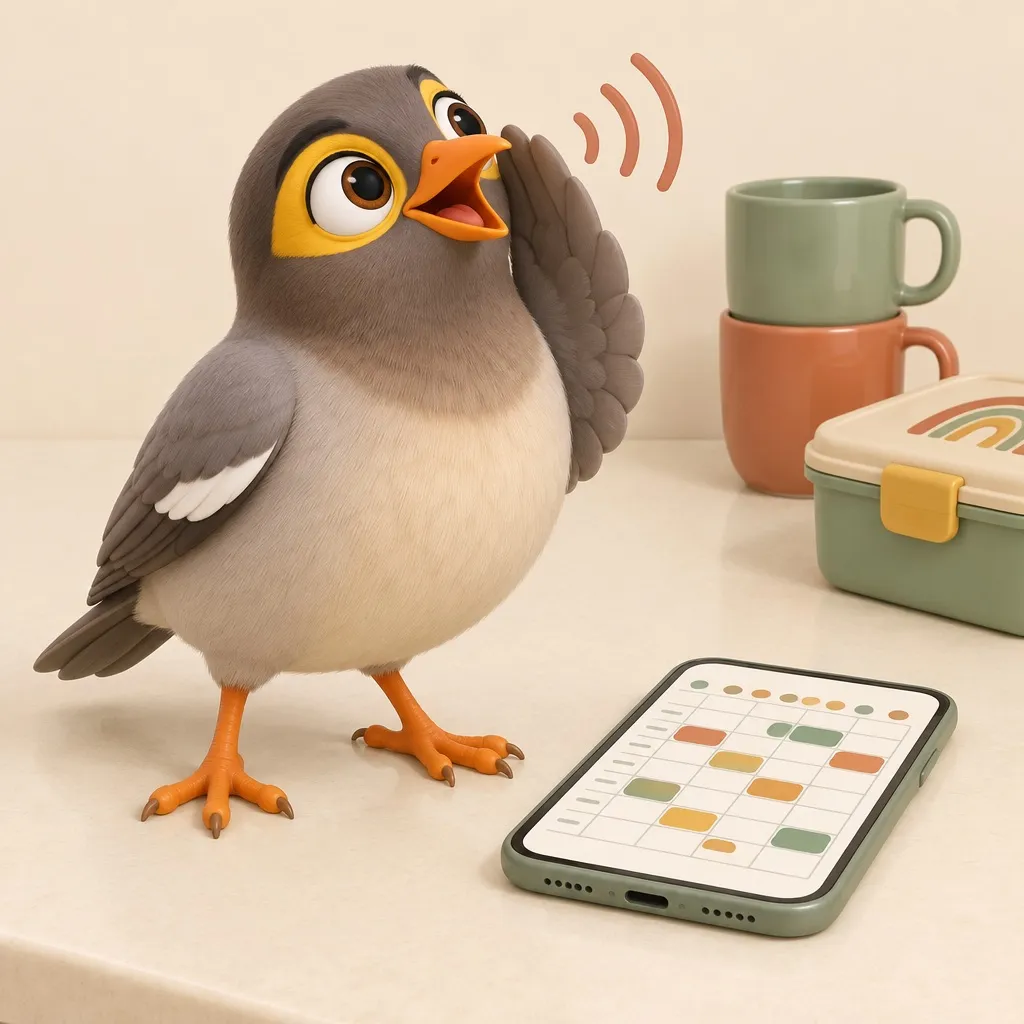
Somewhere in your phone there is a family organiser app you set up with real hope.
You entered the school terms. You colour-coded everybody. You added the recurring Thursday thing and the fortnightly other thing. For about nine days it was genuinely wonderful.
It is now a beautifully maintained record that exactly one person reads. You.
This is not a small or a niche failure
Cozi has 398,762 ratings on the US App Store, averaging 4.8. TimeTree has 91,327. Howbout has 49,944. FamilyWall has 23,294.
For scale: the entire parental control category, the one with venture funding and television advertising, does not add up to Cozi on its own.
So let’s put one theory to bed. Families are not under-served by family software, and they are not unaware it exists. Hundreds of thousands of people have found these apps, used them enough to rate them, and rated them highly. The software is good. The problem is somewhere else entirely.
The problem is that it has one user
Here is the shape of it.
A family organiser app is a place where the household’s information is recorded. Somebody has to do the recording. That somebody is the person who already knows the schedule — which is to say, the person who was already carrying it.
So the app arrives, and it does not redistribute the work. It gives the work a nicer container. You are no longer the person who remembers that Thursday is swimming; you are the person who remembers that Thursday is swimming and maintains the database about it. That is not a saving. On a bad week it is a second job with better typography.
And the other adults? They are not lazy and they are not sabotaging you. Opening an app is a deliberate act, and you only perform a deliberate act to retrieve information you already know you need. They don’t know they need it. That is the whole reason you are the one with the app.
A shared calendar only shares the calendar. It does not share the noticing.
The four worth knowing, briefly
They differ more than the roundups suggest, and if you’re going to pick one, pick on shape rather than feature count.
Cozi is the full household hub — calendar, shopping lists, to-dos, meal planner and a recipe box, all in one. It is the default for a reason and the free tier is genuinely usable. Gold is $39 and mostly buys you no ads, month view on mobile, search and extra reminders.
TimeTree is the opposite philosophy: a clean shared calendar, free-first, with a comment thread attached to every event. That last bit sounds minor and isn’t — “who’s actually fetching him?” belongs on the event, not in a separate chat where it scrolls away.
FamilyWall is Cozi’s shape plus location sharing, which for some households is the feature that finally recruits the teenager.
Howbout is the newcomer and skews younger and more social — it grew out of friend-group planning rather than family logistics, which shows in both directions.
And underneath all of them, Google Calendar or Apple’s shared calendars are free, already installed, and perfectly good plumbing. Most families who succeed at this end up running one of those as the substrate with something friendlier sitting on top.
If what you actually want is a screen on the kitchen wall rather than an app in a pocket, that is a genuinely different product category with genuinely different economics, and we compared those separately.
The test that predicts whether it survives February
Not features. Not price. This:
Does the information reach someone who never opens the app?
That’s it. That’s the whole thing. Every family organiser that has ever worked in a real house passed that test somehow, and every one that died in a drawer failed it.
There are only about four ways to pass:
- A notification that lands where they already look. Works, but degrades fast — people mute what nags them without earning it.
- A screen on the wall they walk past. Genuinely effective, which is why the hardware category exists and charges accordingly.
- A person saying it out loud. The traditional solution. Extremely effective. Currently implemented by you, at 7:40am, twice, getting louder.
- Something else doing number three.
Most apps are betting on number one and quietly hoping for number three.
What I’d actually do, app or no app
Put one calendar underneath everything. Google or Apple, shared with every adult, subscribed on every phone. Whatever pretty app you choose on top, this is the layer that survives you changing apps, and you will change apps.
One owner per recurring thing, written down. Not “we’ll sort it out” — the swimming has a name next to it. Most household scheduling arguments are ownership arguments wearing a calendar costume.
Stop entering things nobody reads. If a category of event has never once been checked by a second person, it doesn’t belong in the shared calendar. It belongs in your own. Be ruthless; the shared calendar’s credibility is its only real asset.
And judge any app you’re trialling on one question after three weeks: has anyone else in this house opened it unprompted? Not “did they look when I asked.” Unprompted. If the answer is no by week three, it will still be no in June, and the app is not the thing that’s broken.
The other half nobody joins up
One more thing worth knowing while you’re shopping, because it surprised us when we went looking.
Not one family organiser ships any device control. No screen time, no app blocking, no web filtering — not Cozi, not TimeTree, not FamilyWall, not Howbout, not the wall displays. And the parental control apps return the favour exactly: not one of them ships a shared calendar, a chore list or family messaging.
We checked this properly, across about twenty-five products in both directions. The two halves meet at location sharing and nowhere else.
Which is strange, because they are bought by the same exhausted person in the same week, for the same underlying reason: this household has more moving parts than one brain can hold. The industry has decided those are two different businesses. In a kitchen at 7:40am they are obviously one.
We built myna around the fourth way of passing the test. The calendar, the lists and the tasks are all there and look much like the others — that part is not the clever bit. The difference is that an Aunty says the thing out loud in the room, in a voice your family chooses, so the information reaches the people who were never going to open an app. She’s a program, and she’d tell you so herself. She also asks twice, without getting louder, which is more than I manage.
And because the same app runs the kids’ phones, the two halves are joined up: the limits and the calendar are one system, not two subscriptions. If that half is what brought you here, what a phone will actually let an app do is the more useful place to start.
The questions underneath this one
What is the best family organiser app?
Cozi if you want one place for calendar, lists, meals and recipes, and it has nearly 400,000 App Store ratings for good reason. TimeTree if you mainly want a shared calendar and like a chat thread on each event. But the honest answer is that the best app is whichever one a second person in your house will actually open, and that is not a feature comparison.
Is Cozi worth paying for?
Cozi Gold is $39 and removes ads, adds month view on mobile, calendar search, extra reminders and change notifications. If the free version is already being used by more than one person in your household, it is easily worth it. If you are still the only user, the paid tier buys you a nicer version of the same problem.
Why does nobody else in my family use the family calendar?
Because opening an app is a deliberate act and remembering the schedule is your job, not theirs — so the app asks the person already carrying the load to also do the data entry. Information only reaches a non-user if it arrives somewhere they already are: a notification, a screen on the wall, or somebody saying it out loud.
Do family calendar apps have parental controls?
No. Not one of them. Cozi, TimeTree, FamilyWall, Howbout, Skylight — none ship screen time, app blocking or web filtering, and the parental control apps return the favour by shipping no calendar. The two halves of family software have never met, which is odd given they are bought by the same person in the same week.
Is Google Calendar good enough for a family?
As plumbing, yes, and it is free. What it lacks is everything around the calendar — shared lists, meals, who is fetching whom — and any sense that a household rather than an individual is using it. Most families end up with Google as the substrate and something friendlier on top.
myna keeps the whole household's day in one place, with an Aunty who does the reminding.
Get myna free